Skip to content
Filifili.com 使用指南
Main Navigation
首页
简介
注册
接入
排障与计费
Appearance
Menu
Return to top
On this page
Gpt-Image 生图配置
这页以 Cherry Studio 为例,说明如何接入 Gpt-Image 生图模型。
一、添加提供商
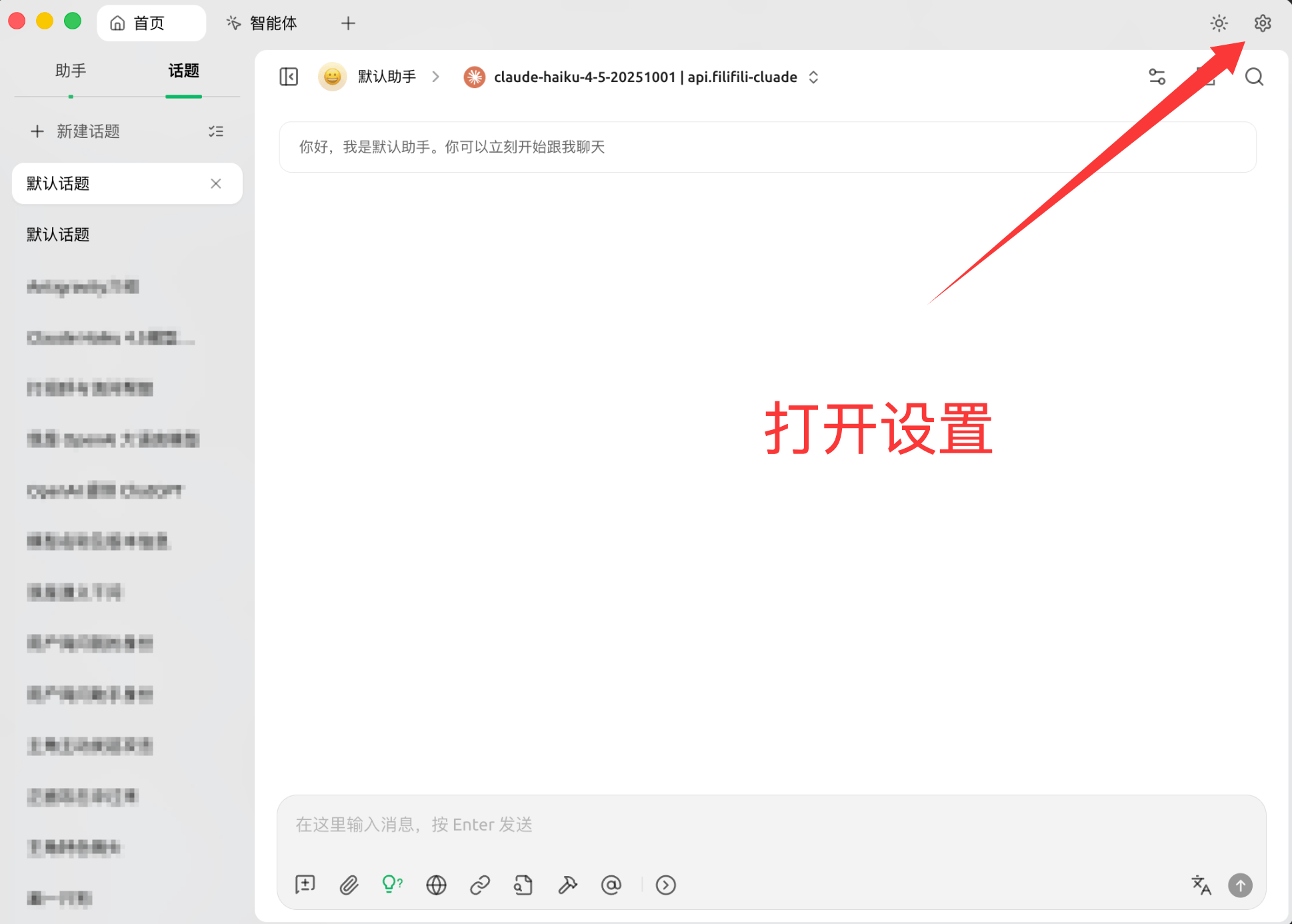
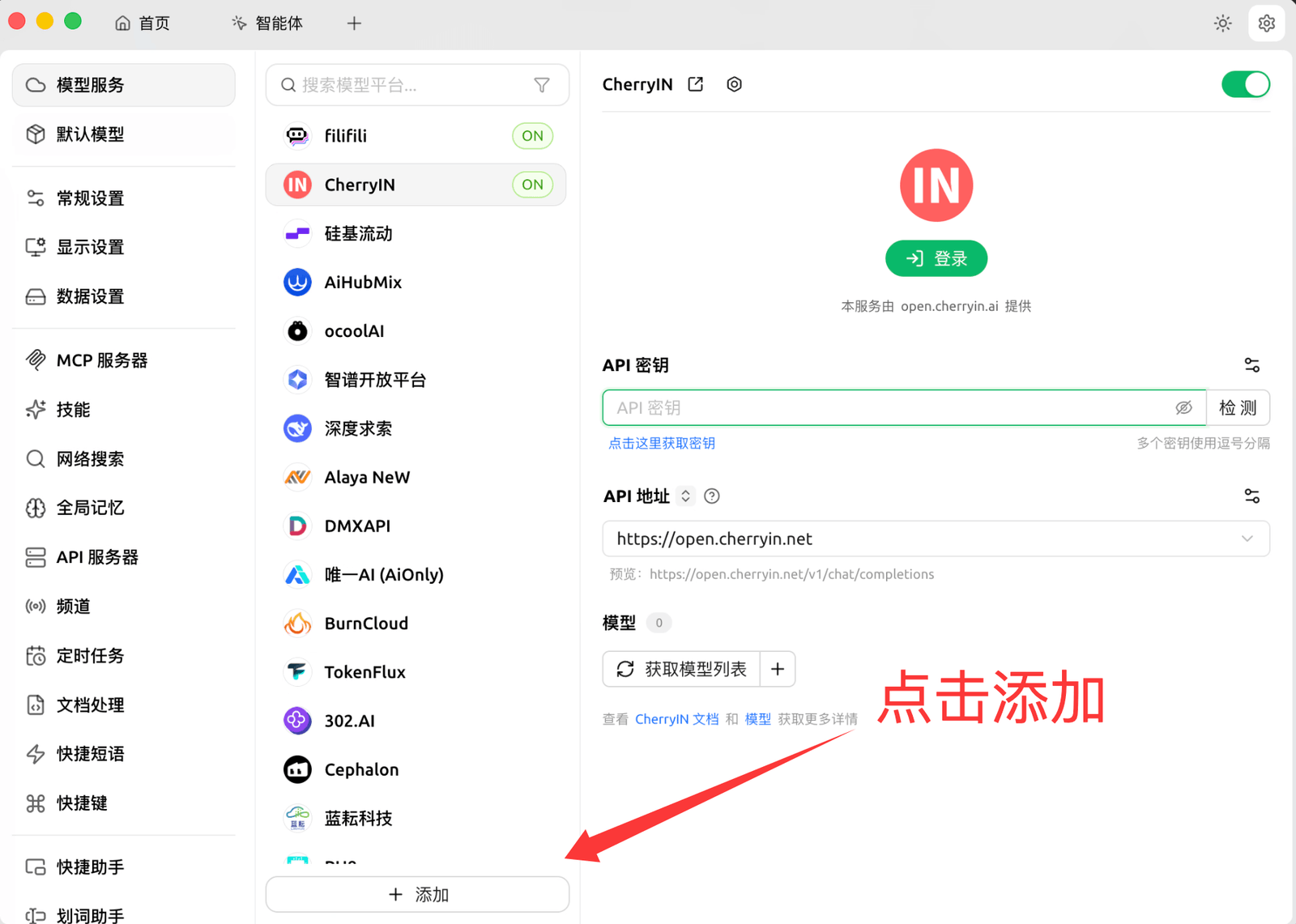
打开设置并新增提供商。
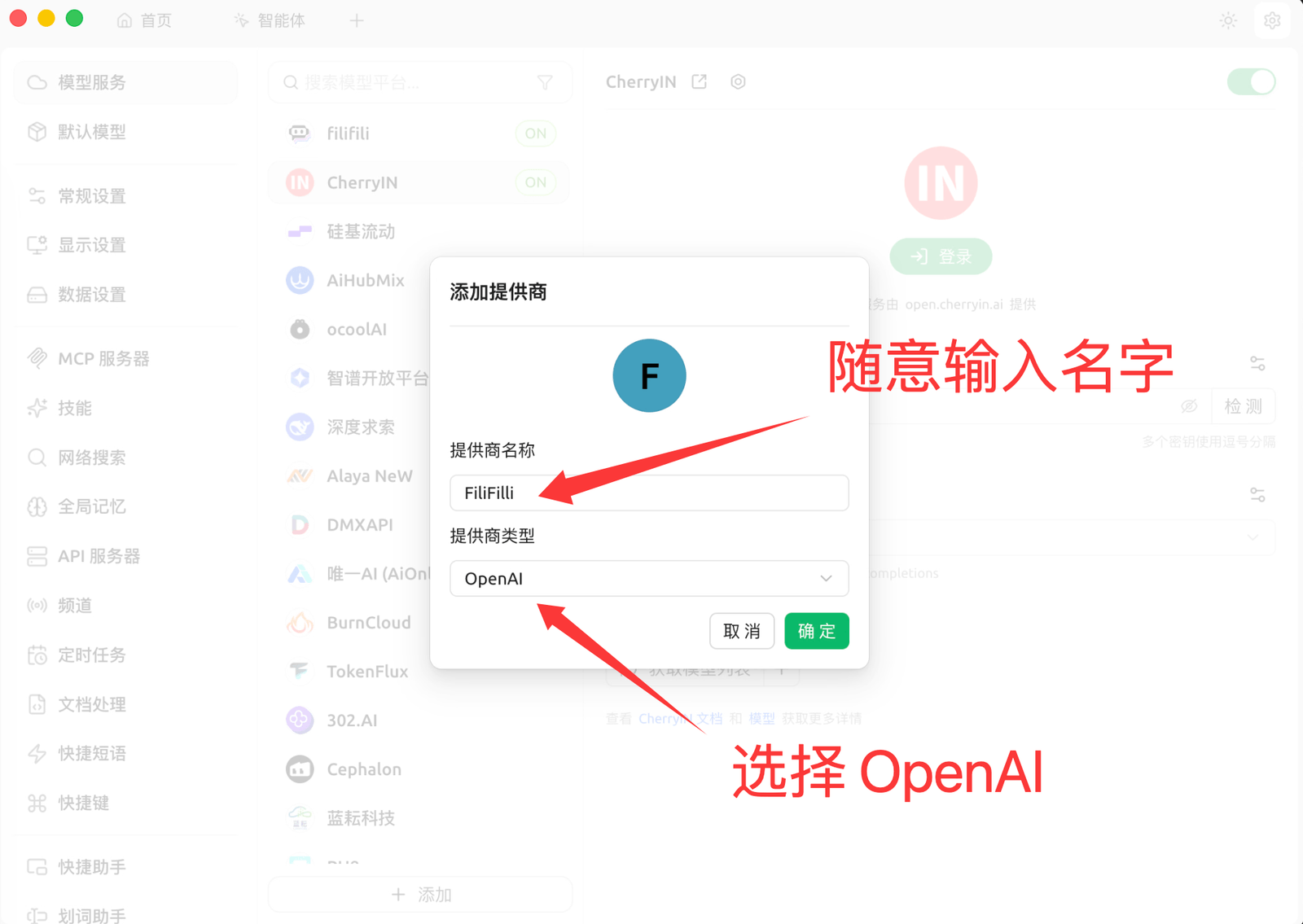
提供商名称建议填写
Filifili
。
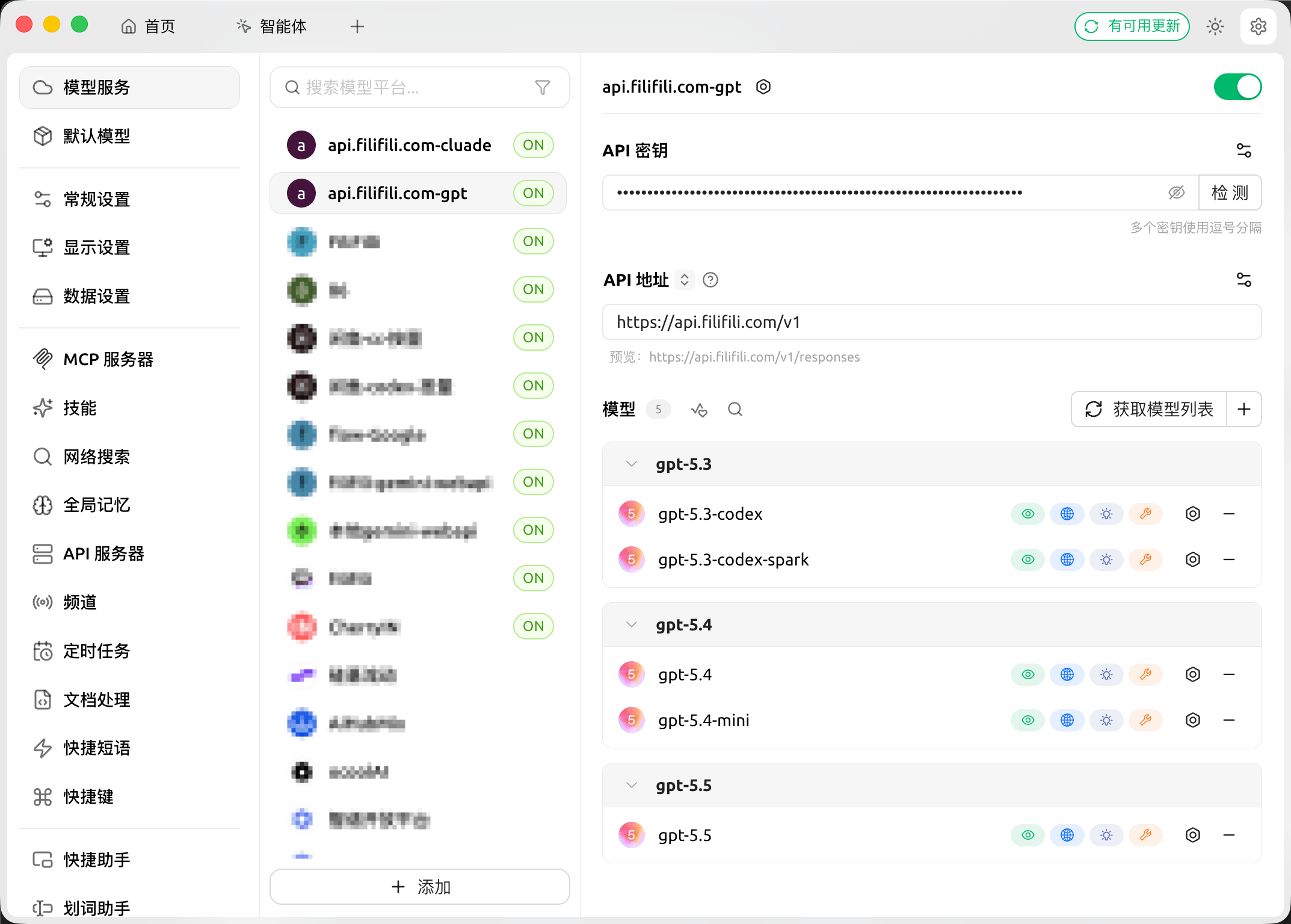
填写 API Key 与 Base URL。
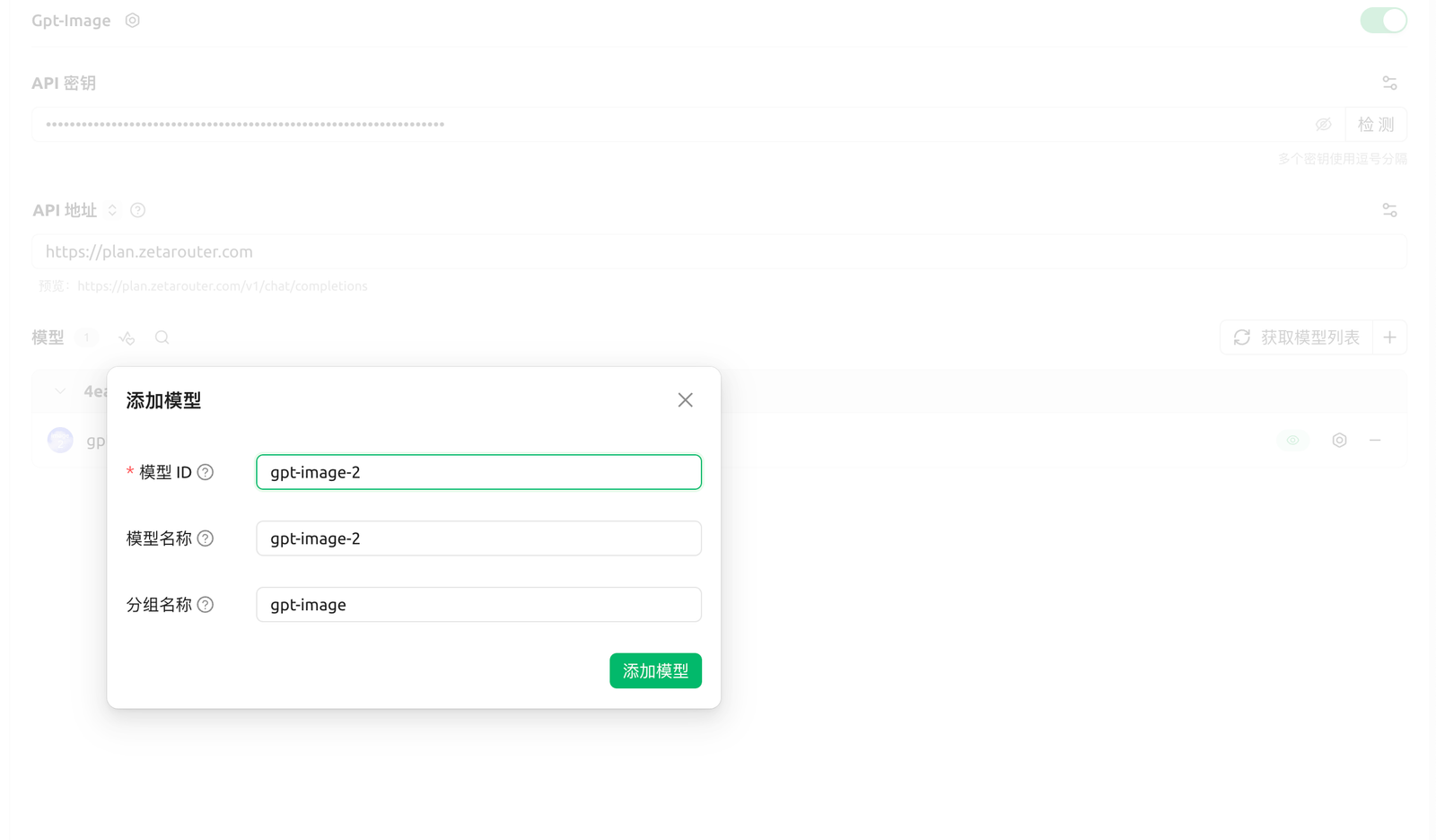
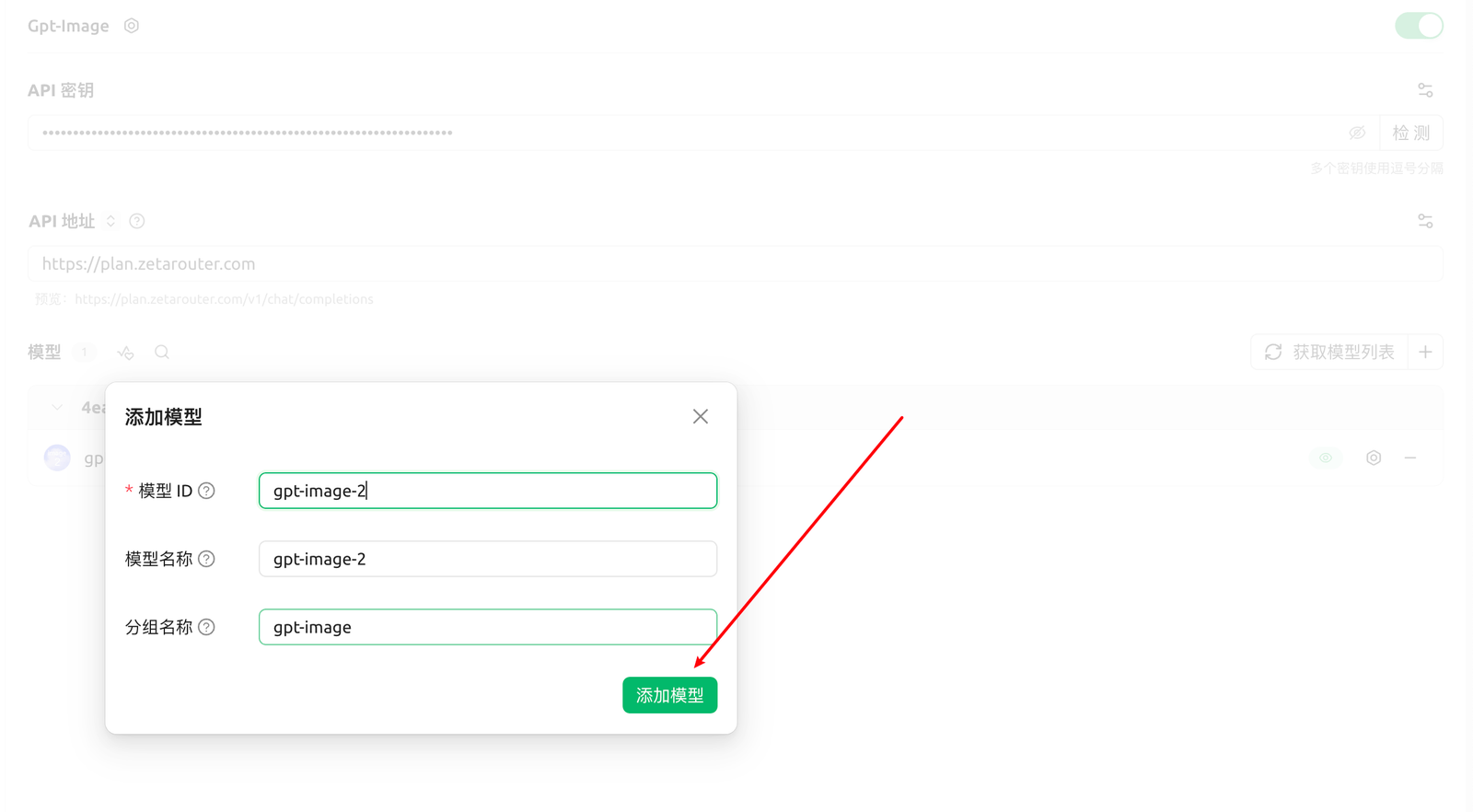
二、添加生图模型
模型名称示例:
gpt-image-2
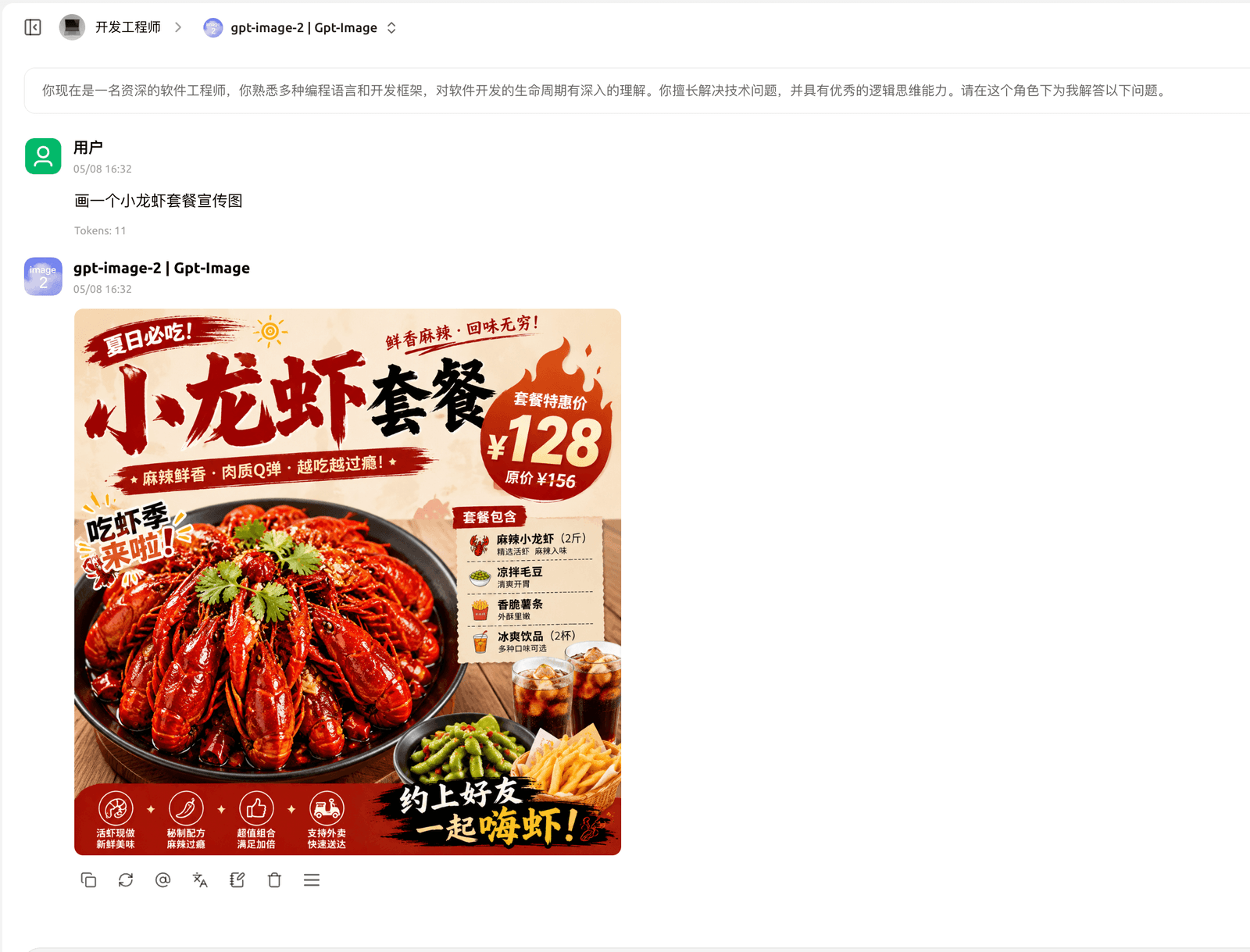
三、开始生图
选择
gpt-image-2
。
输入生图提示词。
确认生成结果。